
Web & Browser
From Static Websites to Interactive Experiences
CipherRoot Software9 min read
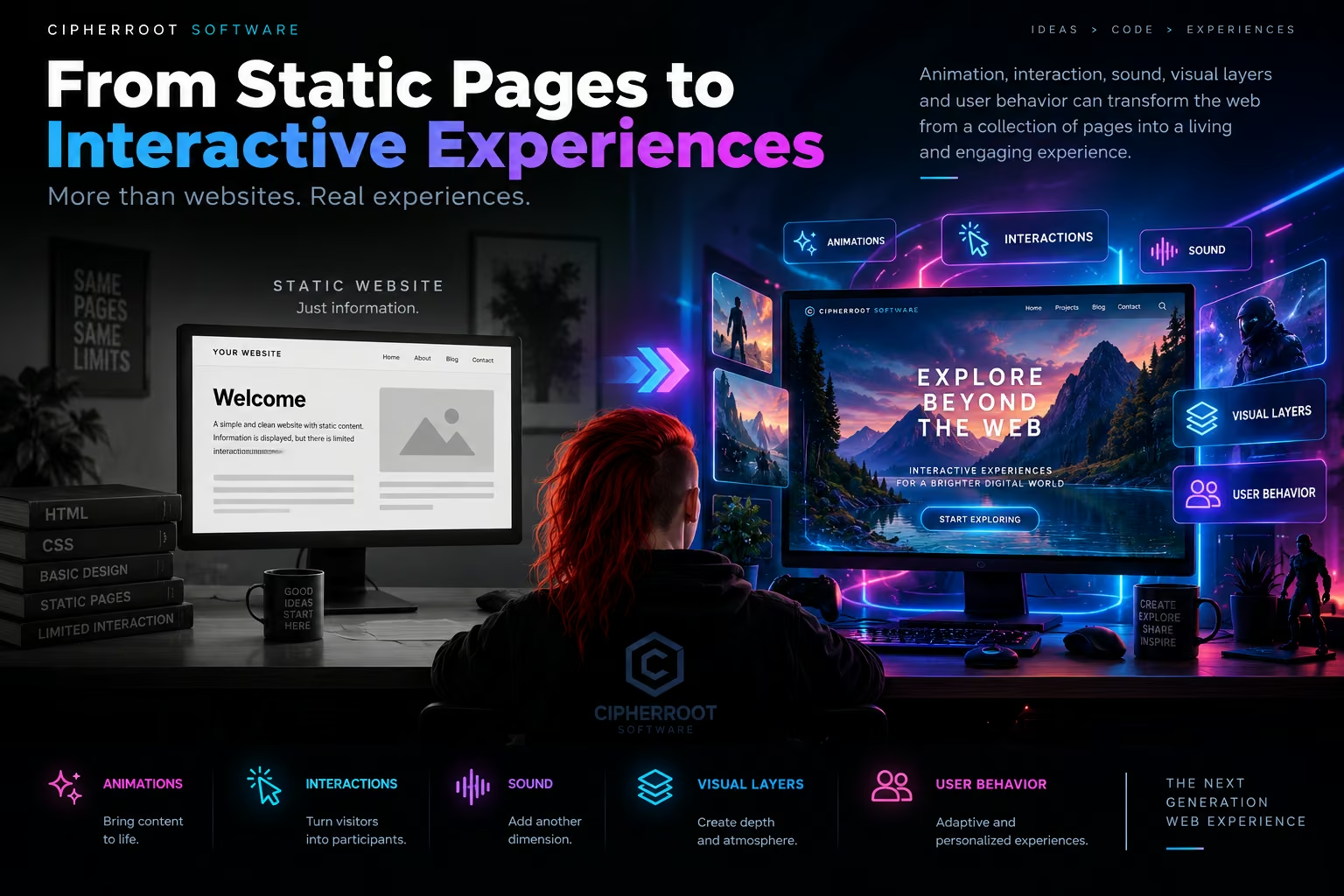
The web has always been more than a collection of pages.
But for many years, the standard website followed a simple formula: a navigation bar, a few sections, images, text, buttons, and links. Users arrived, consumed information, and moved on.
Modern web technologies make it possible to rethink that model.
Today, a website can respond to movement, react to clicks, change its visual environment, introduce sound, animate information, and adapt its behavior to the person using it.
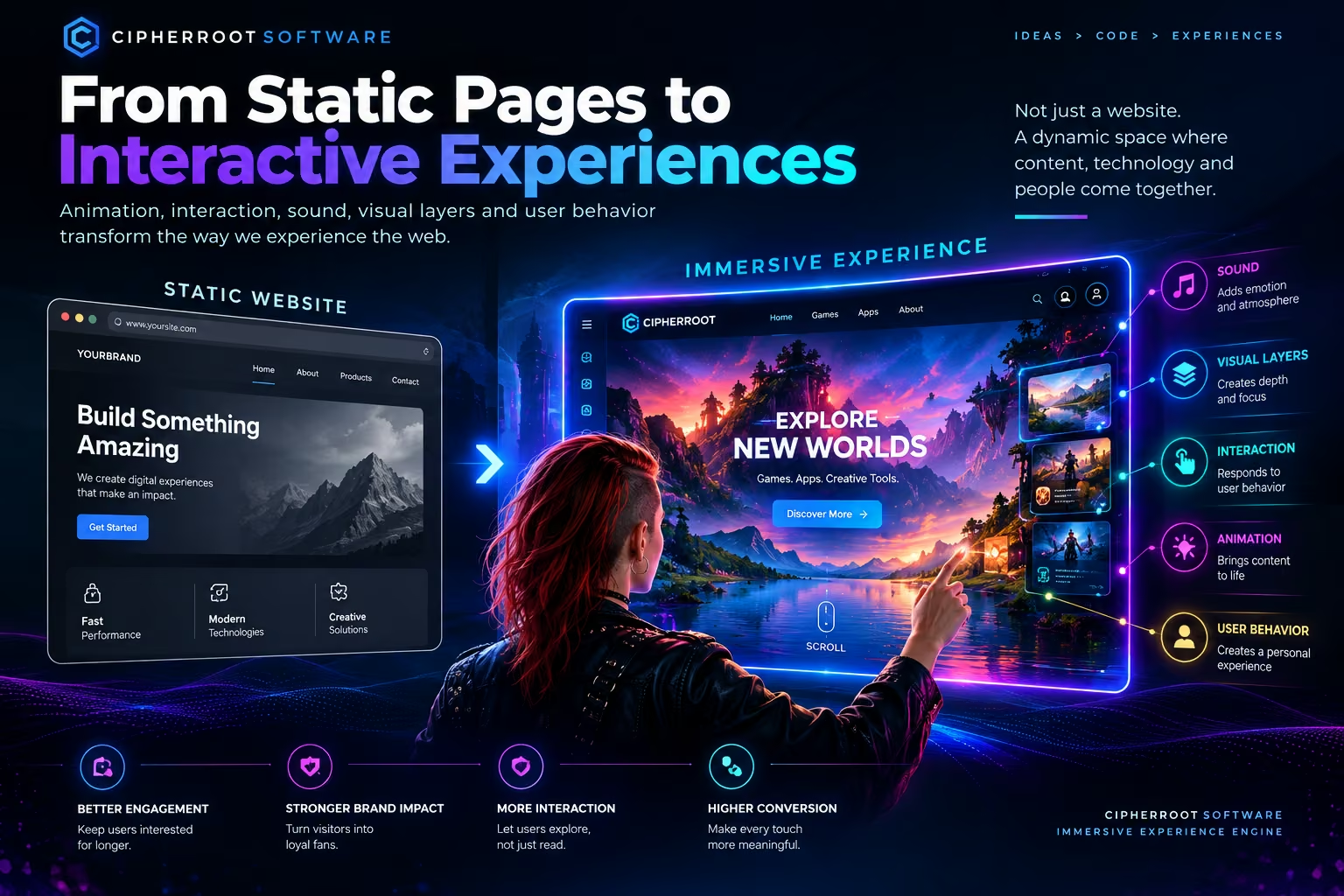
The result is a shift from static pages to interactive experiences.
At CipherRoot Software, this transition is one of the core ideas behind our Immersive Experience Engine.
A Static Page Tells. An Interactive Experience Responds.
A traditional website is primarily designed to present information.
You open a page and see the same basic structure that every other visitor sees. The content may be beautifully designed, but the interaction model often remains predictable.
An interactive experience introduces another dimension:
response.
A button can react when the user approaches it.
A visual element can move as the user scrolls.
A background can transform when a section becomes active.
An image can reveal additional information when selected.
A sound can accompany an interaction.
The interface becomes something that reacts instead of simply waiting for the next page load.
This small change in philosophy can have a significant effect on how people perceive a digital product.
Animation: Giving the Interface Motion
Animation is one of the most visible differences between a static website and an interactive experience.
But useful animation is not simply about making everything move.
Every animation should communicate something.
A transition can show that two elements are connected.
A fade can indicate that one state is being replaced by another.
A movement can guide attention toward an important element.
A subtle transformation can confirm that an action has been recognized.
Consider a product showcase.
On a static page, a product might simply appear as an image with a description underneath.
In an interactive experience, the product could gradually reveal itself as the user scrolls, change perspective, highlight different components, or respond to interaction.
The user is no longer just looking at the product.
They are exploring it.
Interaction: Turning Visitors Into Participants
Interaction is where a website begins to feel less like a document and more like an environment.
A visitor might:
drag an object rotate a 3D model hover over interactive areas click through visual layers control animations explore hidden information navigate through a dynamic scene
These interactions create a simple but important psychological difference.
The visitor is no longer only receiving information.
They are participating in the experience.
This can be particularly powerful for games, creative software, portfolios, technology products, and digital storytelling.
Instead of saying:
“Here is what our product does.”
an interactive experience can communicate:
“Explore it and discover what it does.”
Sound: Another Layer of the Experience
Visual design receives most of the attention on the modern web, but sound can introduce another layer of immersion.
Used carefully, sound can provide atmosphere, feedback, and emotional context.
A button might produce a subtle confirmation sound.
An interactive environment might use ambient audio.
A game landing page could include environmental effects.
A creative project could synchronize motion with sound.
Sound should always remain intentional.
Unexpected audio can become distracting, especially on mobile devices or in public environments.
For that reason, an immersive system should treat audio as a controlled layer that respects user preferences and interaction context.
The goal is not to make a website louder.
The goal is to make certain interactions more meaningful.
Visual Layers Create Depth
Static layouts usually rely on a relatively flat hierarchy.
Immersive interfaces can introduce multiple visual layers that create a stronger sense of depth.
These layers might include:
Background environments Large images, gradients, landscapes, abstract scenes, or animated backgrounds.
Lighting and glow Subtle highlights can direct attention and establish atmosphere.
Foreground objects Interactive components can appear closer to the user.
Motion layers Particles, floating elements, transitions, and environmental movement can add depth.
Content layers Text, controls, navigation, and information remain accessible above the visual environment.
When these layers are carefully coordinated, the interface can feel more spatial without becoming difficult to navigate.
User Behavior Can Change the Experience
One of the most interesting possibilities of interactive web design is that the experience does not always have to behave identically for every interaction.
The system can respond to what the visitor does.
For example:
A user spends time exploring a particular section.
The interface can reveal additional information.
A user interacts with a specific visual element.
The system can change the surrounding environment.
A user returns to a previously visited section.
The interface can remember the relevant state.
This creates a more dynamic relationship between the visitor and the website.
Instead of a completely predetermined sequence, the experience becomes partially shaped by user behavior.
Interaction Should Have a Purpose
It is easy to confuse interactivity with complexity.
Adding ten animations does not automatically create a better website.
Adding a 3D environment does not automatically make a website immersive.
Adding sound does not automatically make an experience engaging.
The important question is:
Does this interaction improve understanding, exploration, or communication?
A good immersive interface uses technology to support the content.
For example, an animation might explain a transition.
A 3D model might help users understand a product.
An interactive timeline might make a complex story easier to explore.
A visual effect might provide immediate feedback.
When technology has a clear purpose, the experience feels intentional rather than decorative.
From Navigation to Exploration
Traditional websites usually encourage navigation.
Users move from:
Home → Product → About → Contact
Interactive experiences can introduce another model:
Discover → Explore → Interact → Continue
This does not mean traditional navigation disappears.
Navigation is still essential.
Instead, navigation becomes part of a larger experience where users can discover information naturally through interaction.
A technology company could turn a feature list into an interactive interface.
A game studio could allow visitors to explore a game's world before launching the game.
A creative portfolio could transform projects into an interactive gallery.
The structure remains understandable, but the journey becomes more engaging.
Designing for Attention Without Creating Distraction
Modern users move quickly through digital content.
An immersive interface can help guide attention, but it must also know when to stay quiet.
Visual hierarchy remains important.
Primary actions should remain clear.
Text must remain readable.
Animations should not compete with important information.
Navigation should remain accessible.
A visitor should always understand where they are and what they can do next.
The purpose of immersion is not to overwhelm the visitor.
It is to create an experience where attention has direction.
Mobile Changes the Experience
An interactive desktop website cannot simply be scaled down for a phone.
Mobile users interact through touch instead of a mouse.
Screen space is limited.
Performance constraints can be more significant.
Interactions such as hover may not exist.
Large visual scenes can become difficult to use.
This means immersive design must adapt.
A desktop experience might use:
Hover → movement → expanded information
while a mobile experience might use:
Tap → transition → expanded information
The visual identity can remain consistent while the interaction model changes.
Responsive immersive design therefore means adapting not only the layout, but also the way the user interacts with the experience.
Performance Is Part of Interaction
Interactive websites often rely on more resources than simple static pages.
Large images, 3D models, animation systems, audio, and visual effects can increase loading times and device workload.
That makes performance an essential part of immersive design.
A well-designed experience should consider:
Optimized Assets
Images and media should be compressed and delivered at appropriate resolutions.
Lazy Loading
Heavy resources should load when they are actually needed.
Efficient Animation
Animations should minimize unnecessary rendering work.
Progressive Loading
The essential interface should become available before optional visual layers.
Responsive Complexity
The experience may use different levels of visual complexity depending on the device.
Graceful Degradation
When advanced effects are unavailable or too expensive, the website should remain functional.
An immersive experience is successful only when the user can actually enjoy it.
The Technology Behind the Experience
Modern browsers provide a large toolbox for building interactive experiences.
Depending on the project, developers can combine:
HTML for structure.
CSS for layout, transitions, and visual presentation.
JavaScript and TypeScript for interaction and application logic.
Canvas for dynamic graphics.
WebGL for accelerated 2D and 3D rendering.
Web Audio for controlled sound experiences.
3D assets for interactive environments and product visualization.
These technologies are tools rather than the final objective.
The experience should determine the technology — not the other way around.
The Web as a Living Environment
The fundamental change from static pages to interactive experiences is not simply technical.
It is conceptual.
A website no longer has to behave like a digital brochure.
It can become:
A product demonstration.
A visual story.
A playable experience.
An interactive portfolio.
A digital environment.
A creative laboratory.
A community space.
The browser becomes the platform, while interaction becomes part of the content itself.
The Role of the Immersive Experience Engine
The Immersive Experience Engine brings these ideas together into a modular system.
Instead of treating animation, sound, interaction, visual effects, and content as completely separate elements, the engine can coordinate them as part of one experience.
A simplified model looks like this:
User Behavior ↓ Interaction ↓ Experience Logic ↓ Animation + Visual Layers + Audio ↓ Content ↓ Performance Management
Each layer has a purpose.
Together, they allow digital experiences to become more responsive and expressive without abandoning usability.
A New Way to Think About Websites
The evolution from static websites to interactive experiences does not mean every website needs a futuristic 3D interface.
Sometimes a simple page is exactly the right solution.
The important question is not:
“How many effects can we add?”
It is:
“What is the best way to make this content understandable, memorable, and engaging?”
For some projects, the answer may be a clean traditional interface.
For others, the answer may be an immersive experience that combines animation, interaction, sound, visual depth, and adaptive behavior.
The technology now allows both.
The Next Generation of Web Experiences
The modern web is becoming increasingly capable of delivering experiences that once required specialized applications.
Interactive graphics can run in browsers.
3D environments can exist inside web pages.
Audio can become part of an interface.
Applications can respond to real-time user behavior.
Games can run directly in the browser.
Creative tools can work without traditional desktop installations.
These capabilities create new opportunities for designers and developers to rethink what a website can be.
At CipherRoot Software, the Immersive Experience Engine is our exploration of that possibility.
Not simply more animation.
Not simply more effects.
But a more connected approach to digital experiences — where visuals, interaction, sound, content, and technology work together.
From static pages to interactive experiences. The web can do more than display information. It can invite people to explore it.